Draft — being checked against the app
What has changed, and in-app tips
The window that tells you about changes after you sign in, and the short notes on pages you open for the first time.
Clarirad is updated often. When something changes that affects your work, a 'What has changed' window appears the next time you sign in, headed 'New in Clarirad since you last signed in.'
Reading the changes
- Read each change. Some have a link straight to the screen they are about.
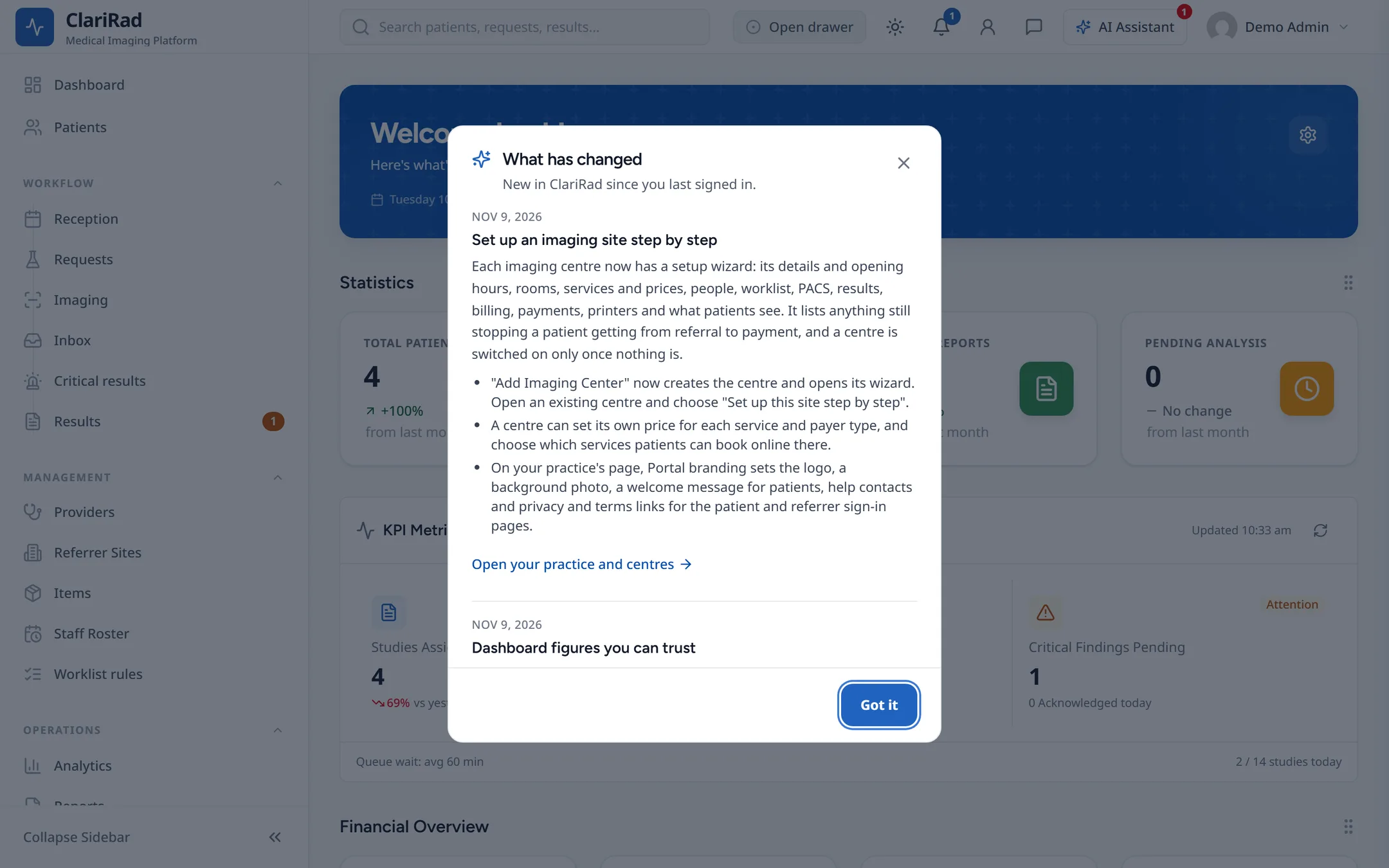
- Choose 'Got it' to close the window.
Each change is shown to you once, on whichever computer you next use. You only see changes made after your account was created, and only changes to parts of Clarirad your role can use.
Seeing them again
Open your user menu (your name, top right) and choose 'What has changed'. It lists every recent change. If there is nothing yet, it says 'There are no changes to show yet.'
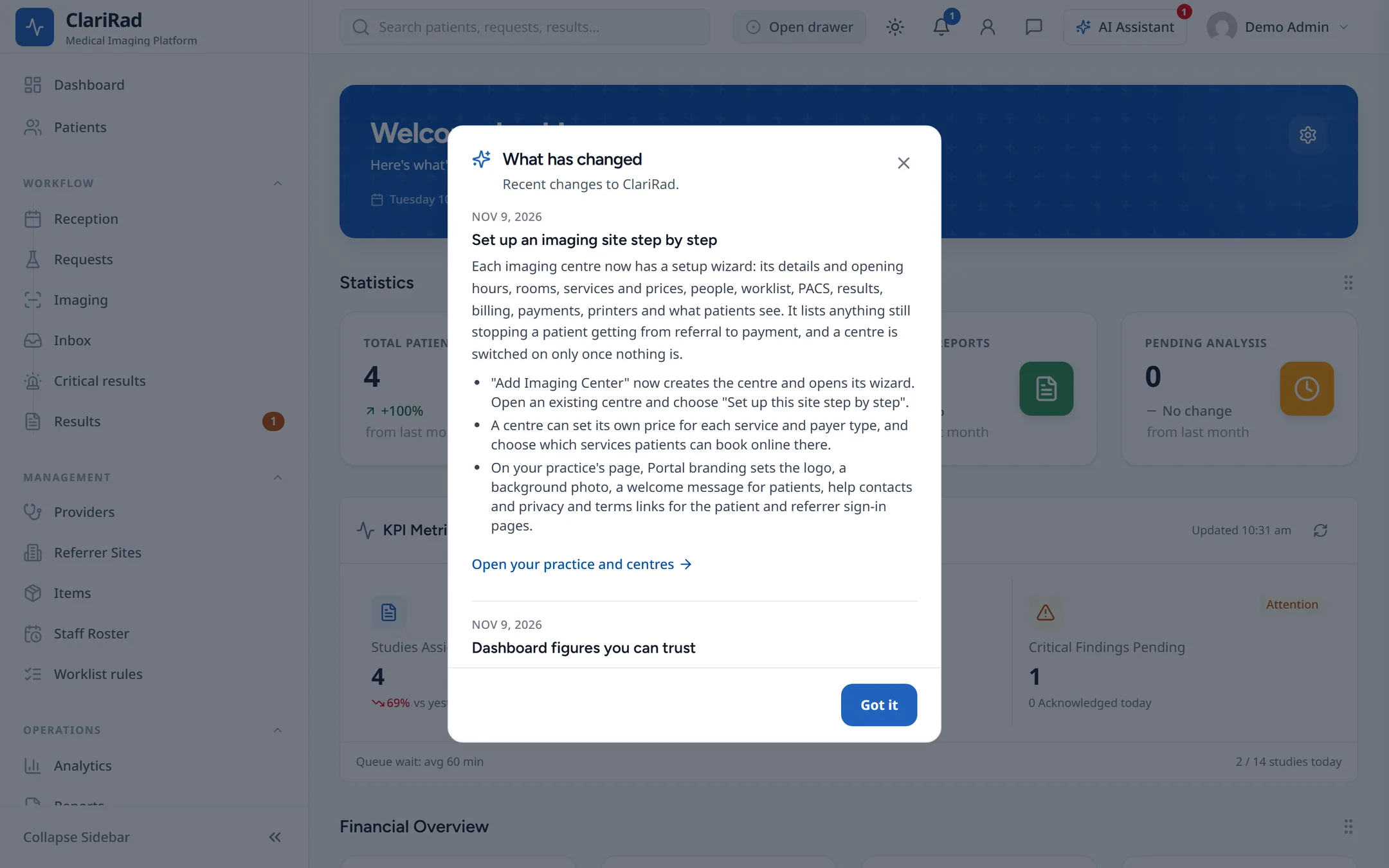
A change may describe a feature your practice has not turned on, or a screen your role cannot open. If what you read does not match what you see, ask your practice manager whether it applies to you.
Tips and reminders on a page
The first time you open a part of Clarirad, a short note at the top of the page says what it is for. After that, the same place reminds you about work waiting for you, such as reports to approve or orders to accept.
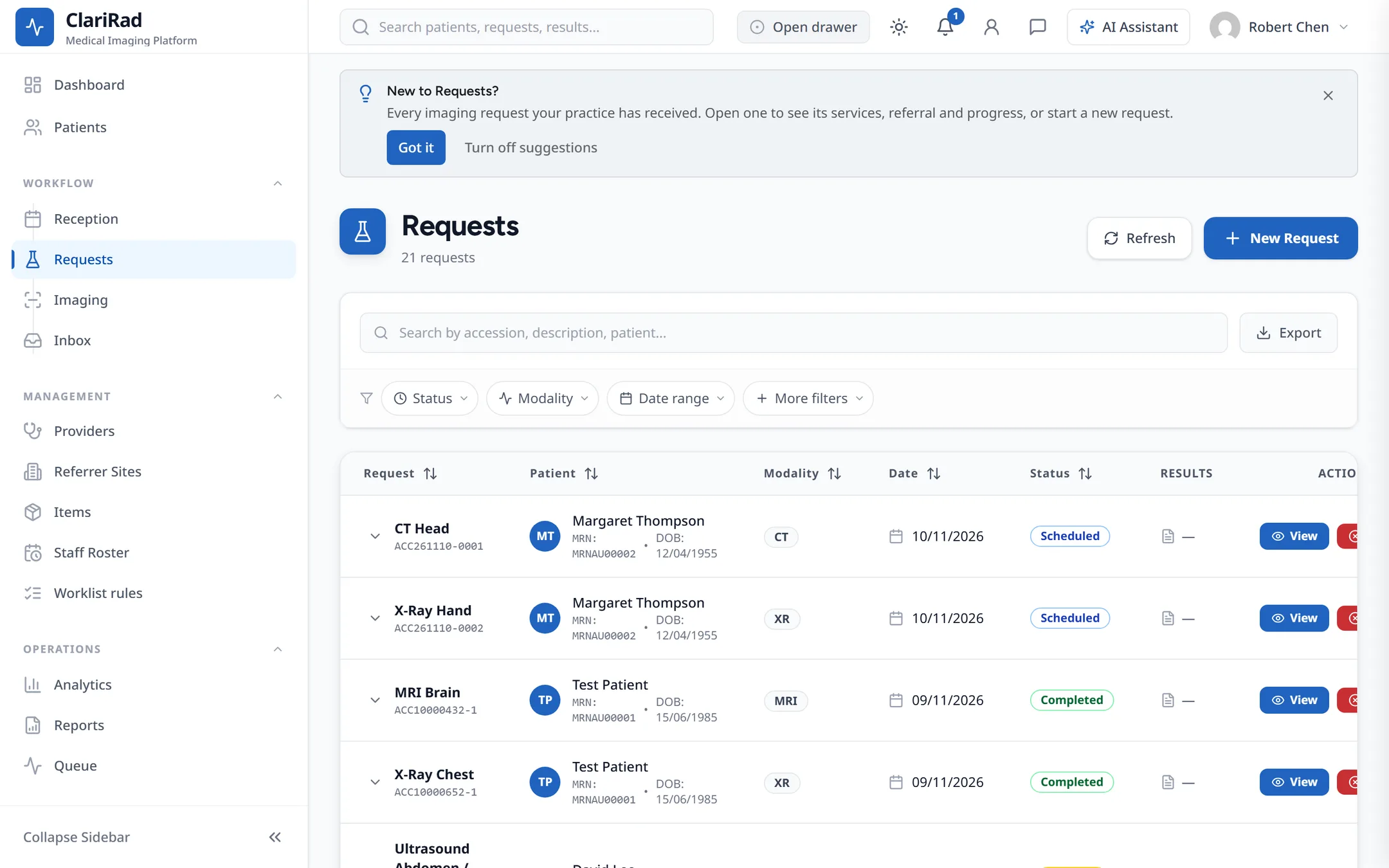
- 'Remind me later' hides a reminder for four hours.
- 'Turn off suggestions' on any note turns them all off. You can turn them back on in the Suggestions section of your profile.