Draft — being checked against the app
Checking integration health
See at a glance whether your HL7 channels, Medilink, accounting and webhooks are working, and which integrations your practice has.
Integration health
Open Settings and, under 'Integrations', choose 'Integration health'. 'Provider health' shows one row for each kind of connection: HL7/FHIR channels, accounting, Medilink and webhooks. Each has a state:
- 'OK': working.
- 'Degraded': partly working, for example only some of the enabled channels are running.
- 'Error': not working, for example the last delivery failed.
- 'Idle': set up but nothing has been sent yet.
- 'Off': not turned on.
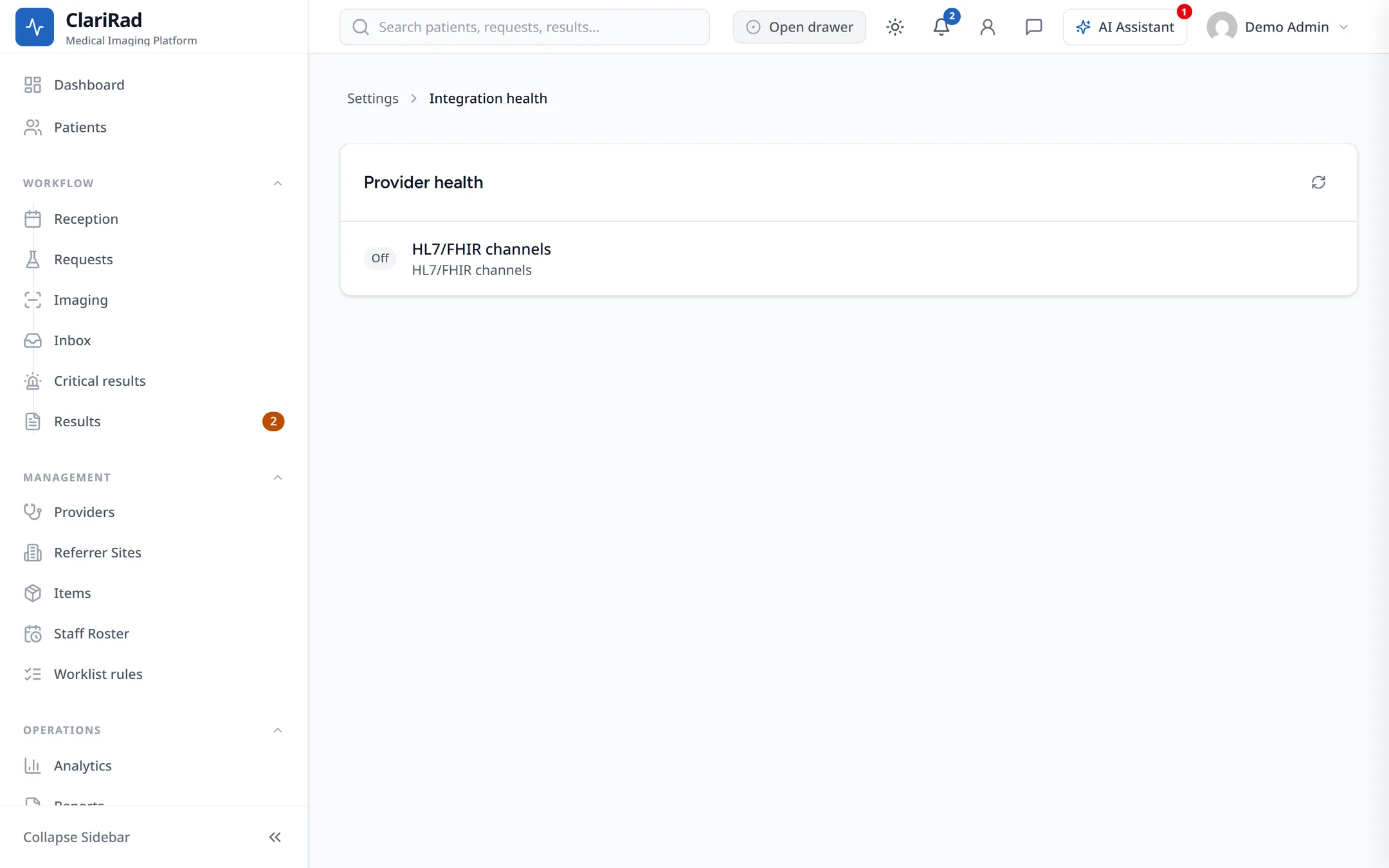
The row says why, for example 'No credentials saved', 'Connection not tested yet', 'Last delivery failed' or 'No deliveries yet'. 'Open settings' takes you to the place to fix it.
Which integrations your practice has
'Integrations' in Settings lists every integration Clarirad offers, in three groups: 'Available to your practice', 'Ask Trucell to turn on', and 'Not in your region'. 'Configure' takes you to an integration's settings. Some are marked 'In development' and are not ready to use yet.
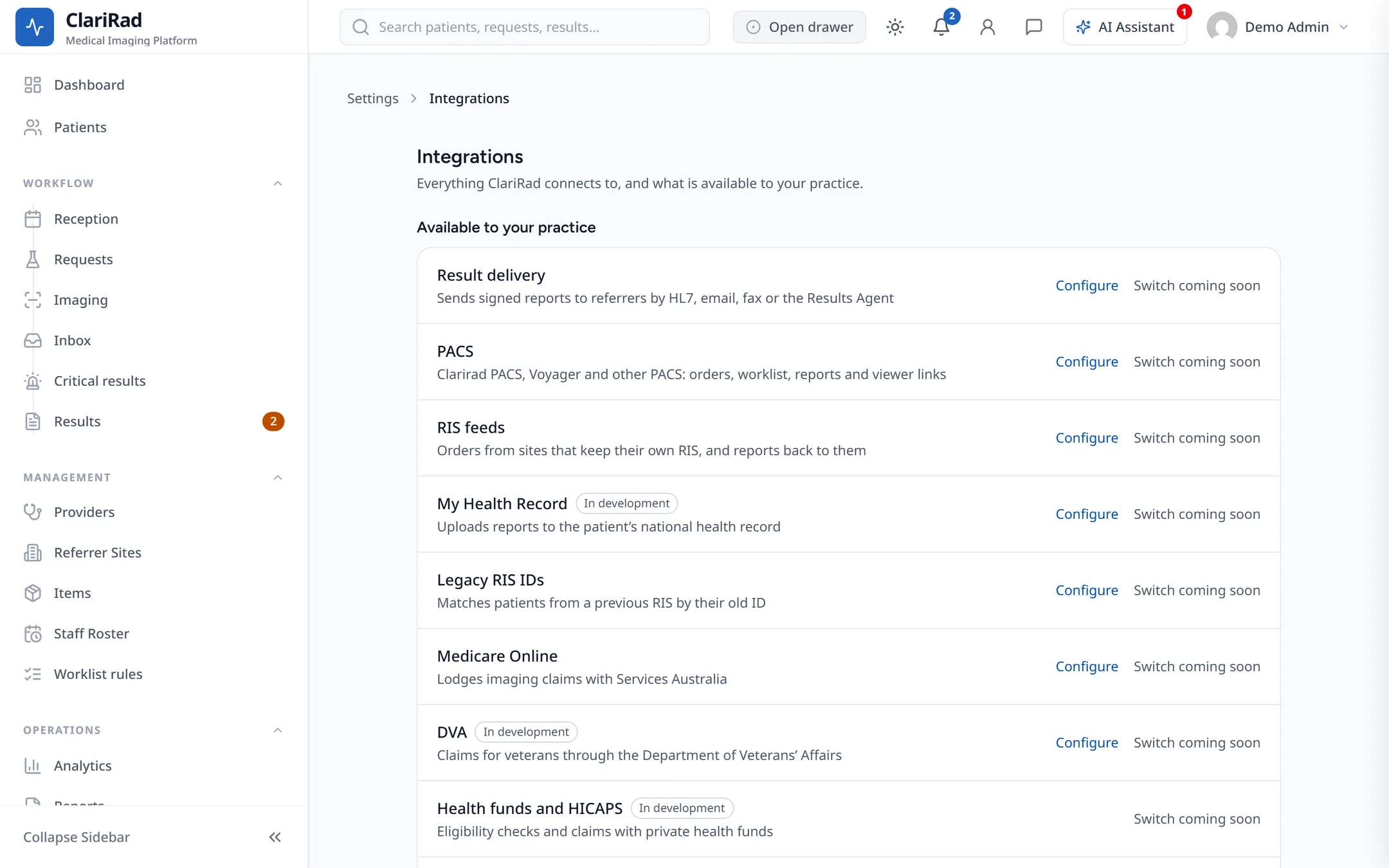
Integrations cannot be switched on or off from this list yet; each row says 'Switch coming soon'. To start using one listed under 'Ask Trucell to turn on', contact Clarirad support.
When something is wrong
- Find the row in 'Integration health' that is not 'OK' and read the reason.
- Choose 'Open settings' and check the connection details.
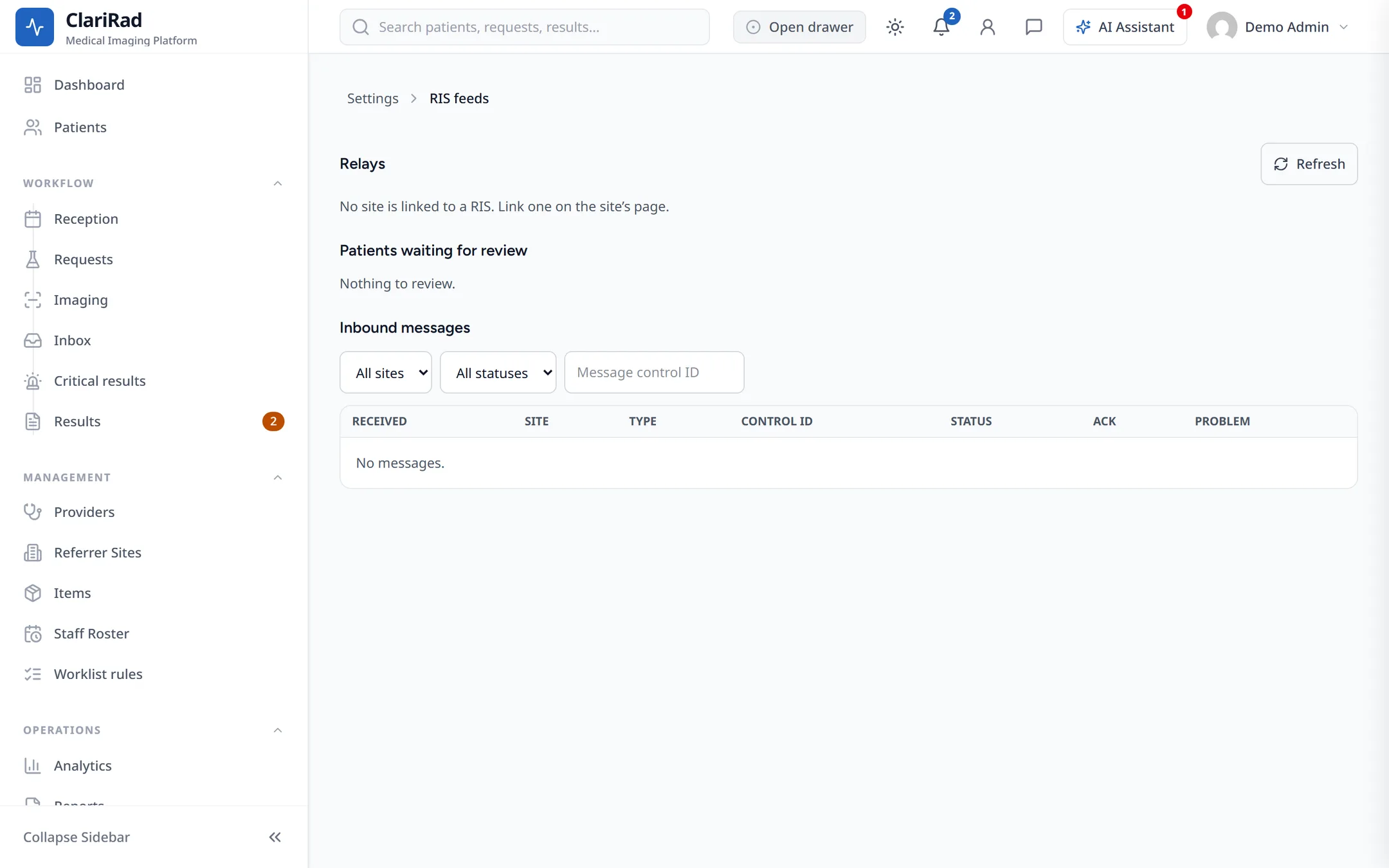
- For a PACS or RIS feed, check 'RIS feeds' and the site agent's status as well.
- If it still does not work, ask the AI Agent to open a support case, or contact Clarirad support.
Related pages
- Modality worklist and HL7 with your PACSGet booked studies onto your scanners' worklist, send orders and signed reports to your PACS, and take reports back from it.
- Installing the site agentThe small Windows service that prints, serves the modality worklist and relays HL7 on a site's own network.
- Medilink appointment syncKeep appointments in step between Clarirad and Medilink (HealthAtom) for practices in Chile.