Draft — being checked against the app
Releasing results to patients
Choose when signed reports appear in the patient portal, and release or withhold a single result.
Signed reports reach the referrer straight away, but your practice decides when patients see them in the portal. Referrers aren't affected by these rules.
Your practice's rule
Admins set the rule under Settings, Patient results release. Release results to patients has three options:
- When the report is signed.
- A number of days after the report is signed: set Days after sign-off, up to 30. Days are counted as 24-hour periods, including weekends and public holidays.
- Only when staff release it. This is the starting setting.
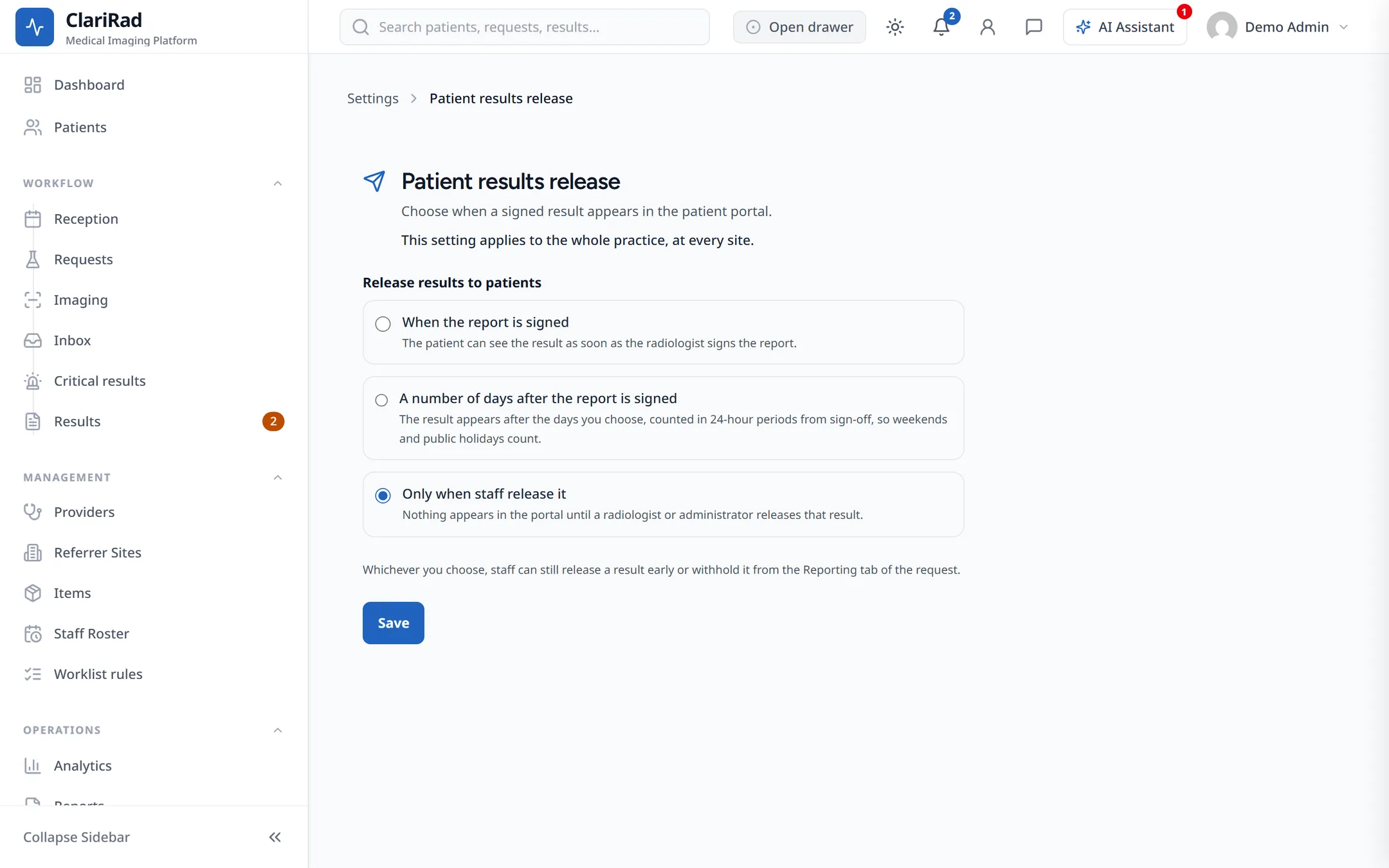
Only an administrator can change this setting.
Releasing or withholding one result
Each request has a Patient portal release panel showing where the result stands, for example Not released to the patient yet, Releases to the patient automatically on a date, Released to the patient (with when and how), or Withheld from the patient.
Release now
Press Release now to make the result visible in the portal immediately, without waiting for the rule.
Withhold
Press Withhold and enter a reason for withholding to stop the result being released, for example so the referrer can talk to the patient first. If the patient could already see it, it is removed from the portal.
Lift withhold
Press Lift withhold when the result can be released again.
Radiologists and administrators can release and withhold results.
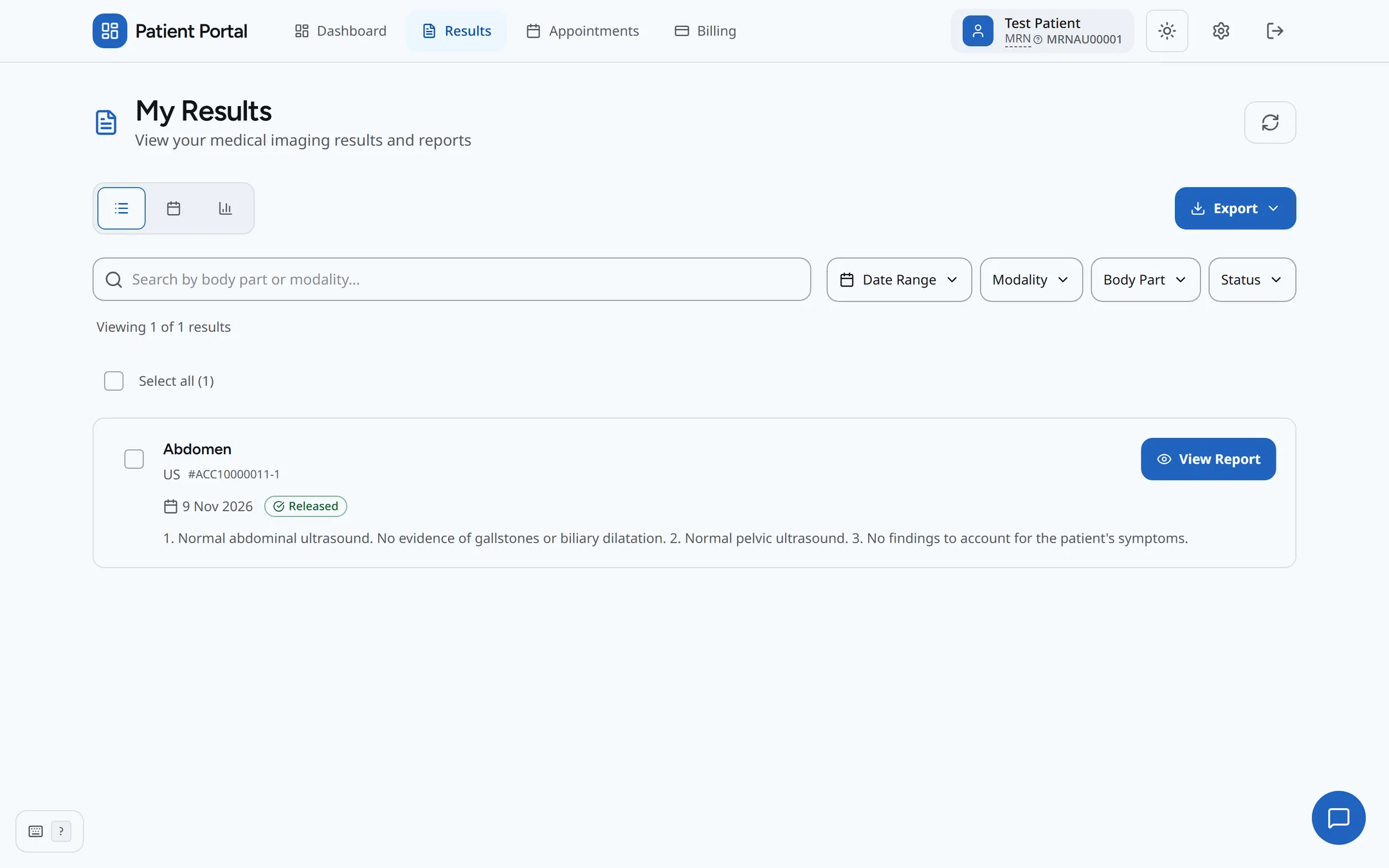
What the patient gets
When a result is released, the patient can see it under My Results and is sent an email, unless they have no portal account, no email address, or have turned result emails off.