Draft — being checked against the app
Invoices and payments
Create and issue an invoice, take full or part payments, and send a payment link.
Invoices live in Finance, Invoices. The Invoice management page shows your totals at the top (Outstanding, Overdue invoices, Draft invoices and Collected this month) and a list of invoices with their patient, site, total, balance, due date and status.
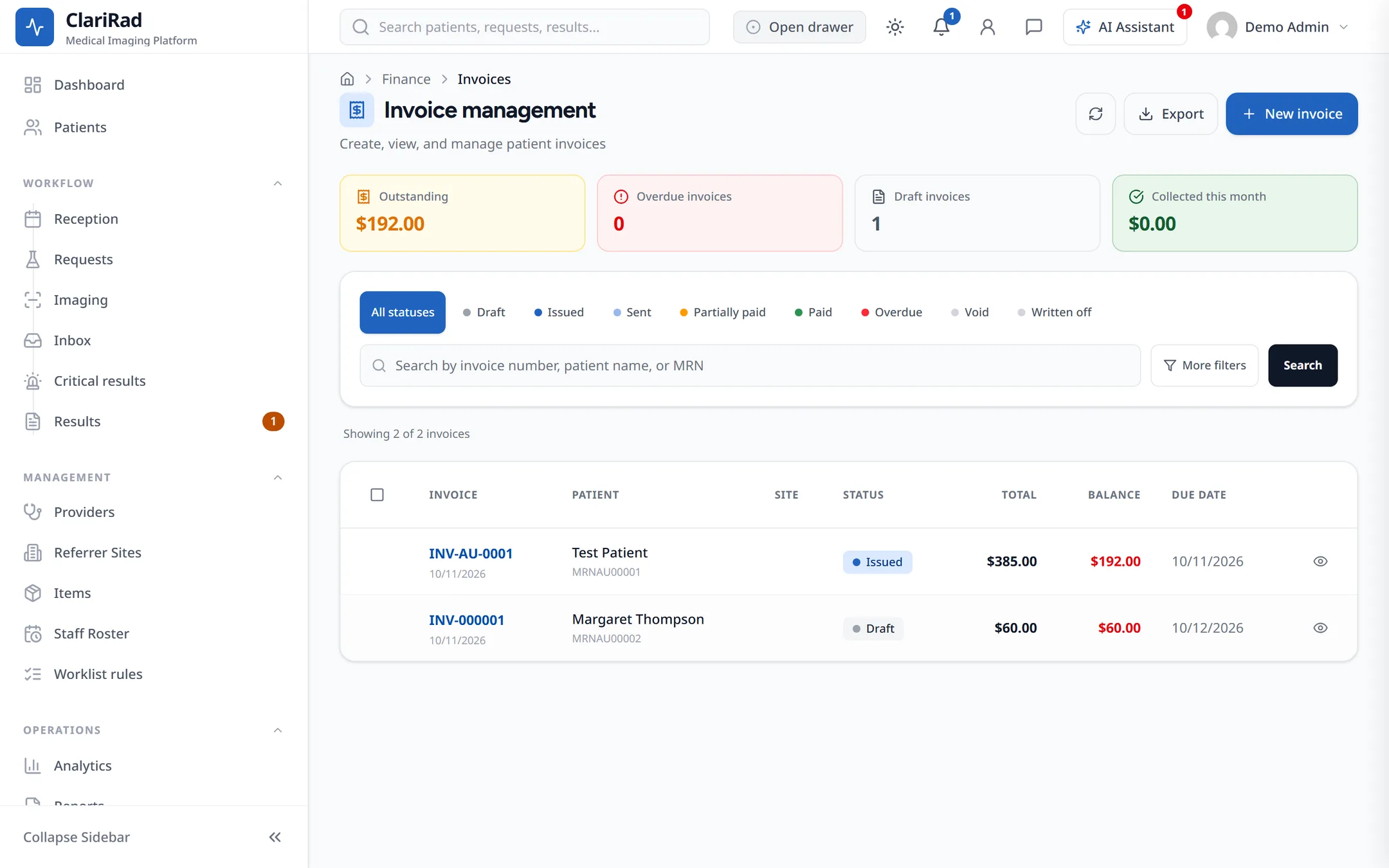
The Finance screens are open to admins, finance staff and practice managers. Practice managers can look but can't void, credit or write off.
Creating a private invoice
- Press New invoice and pick the patient.
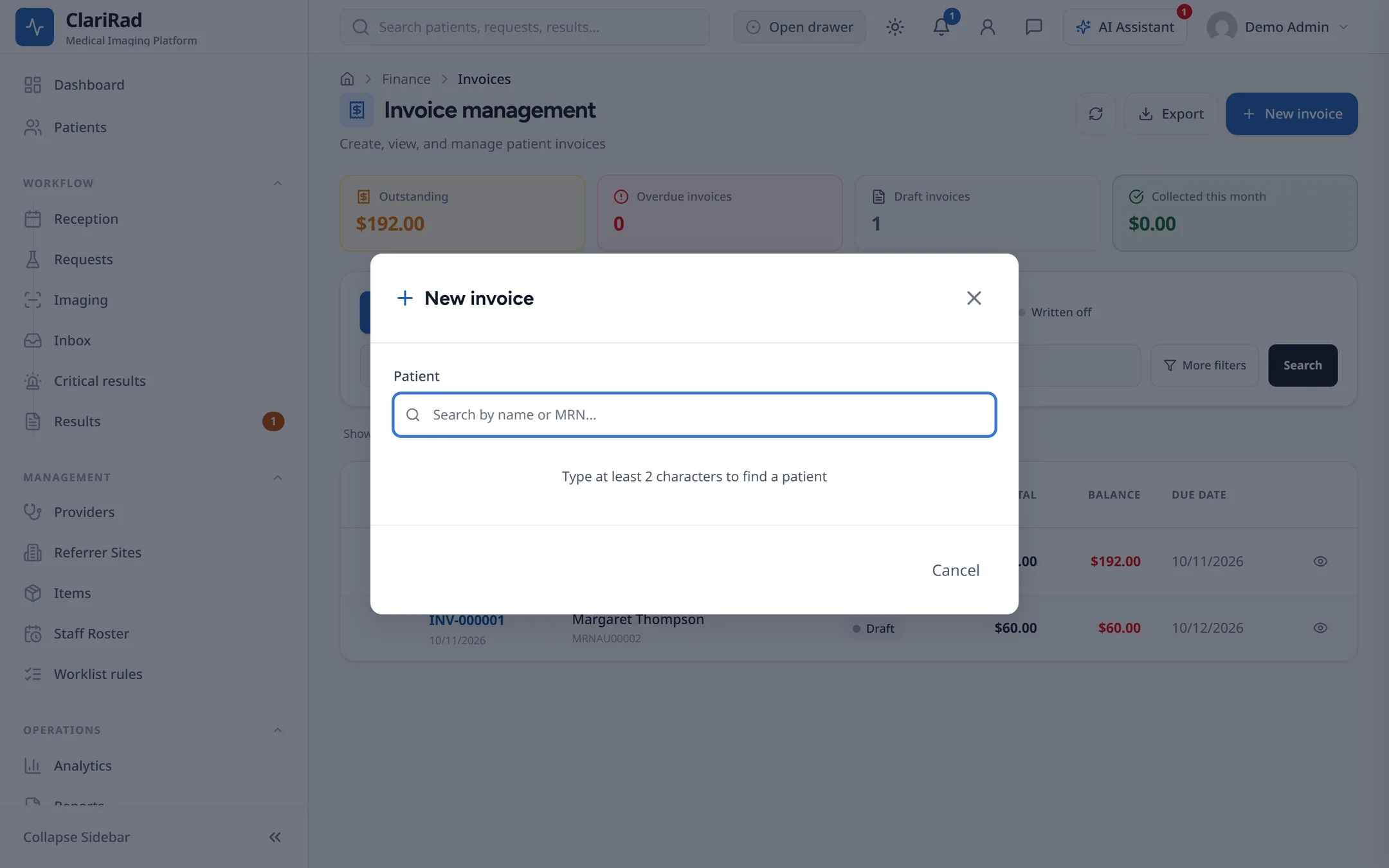
- Choose the site and the payer type.
- Choose the billing type: Private (patient pays), Workers compensation, or Third party.
- Add the line items. GST is off on each line unless you turn it on.
- Press Create invoice. The invoice is saved as a Draft.
- Open the invoice and press Issue invoice when it is ready to send.
A draft you no longer need can be removed with Delete draft.
Taking a payment
- Open the invoice and press Record payment.
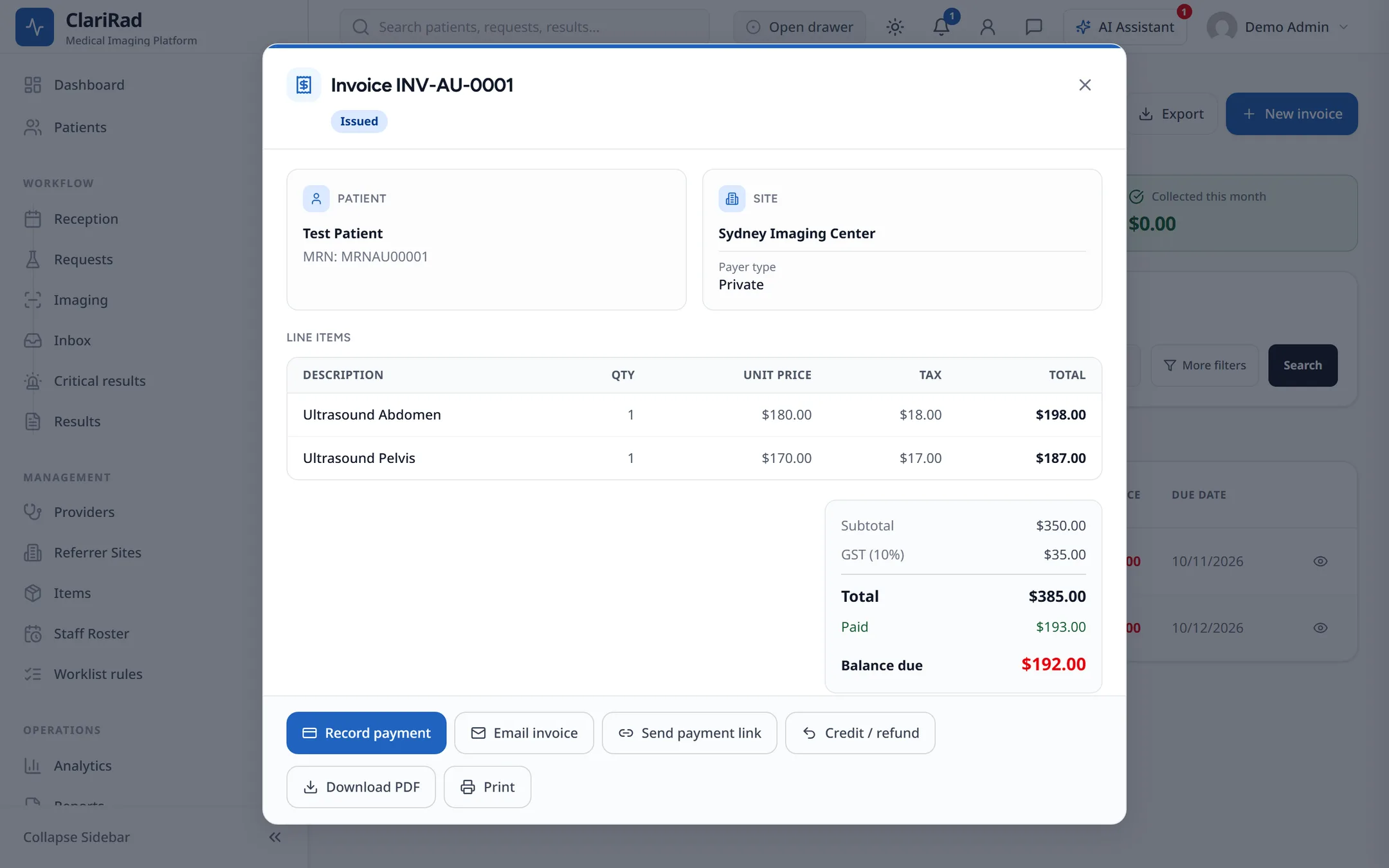
- Enter the amount, choose the method, and add a reference or notes if needed.
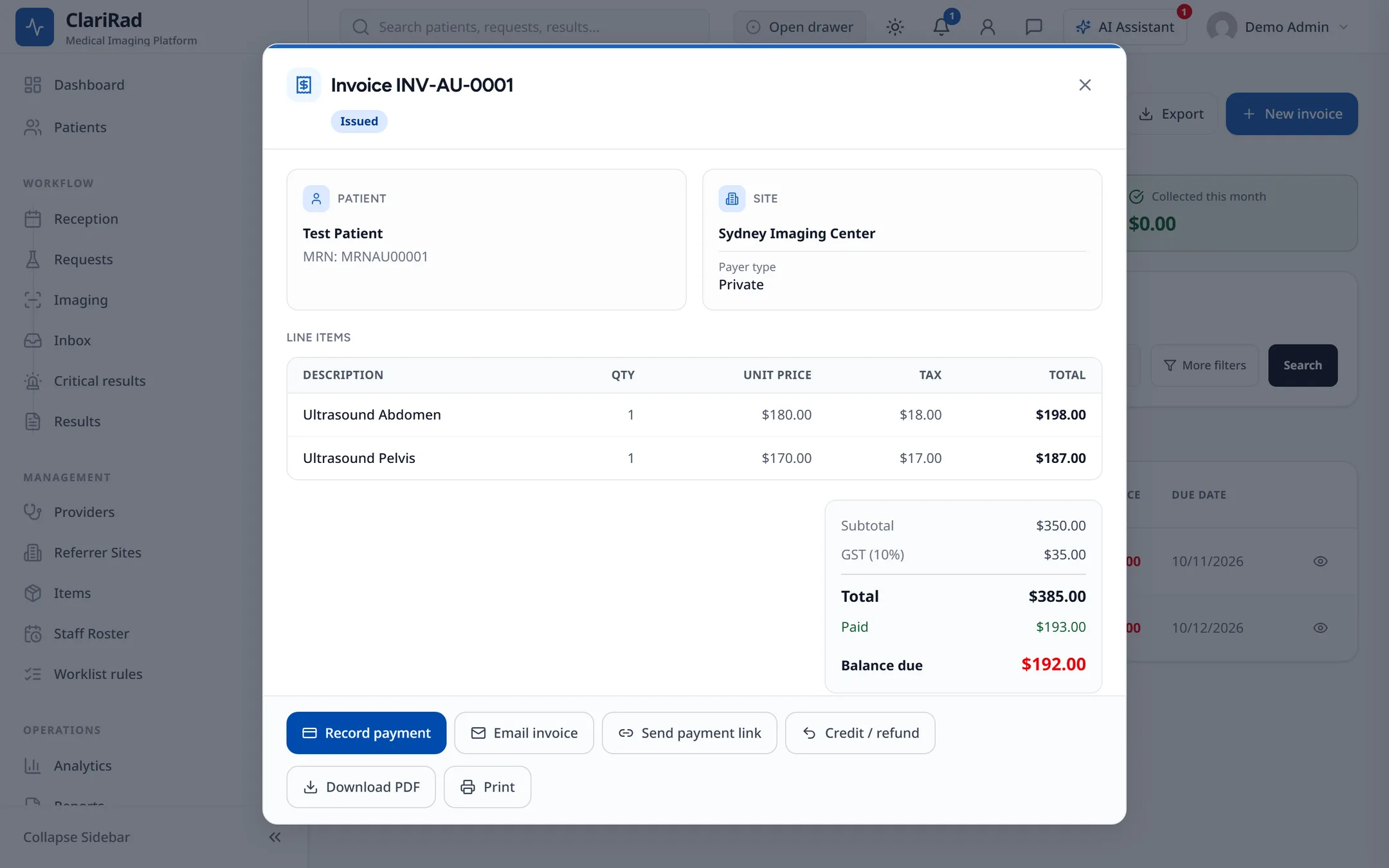
- Save. Clarirad gives the payment a receipt number.
Methods are Cash, EFTPOS, Credit card, Bank transfer, Medicare rebate, DVA payment, Health fund and Online. You can take part of the balance: the invoice becomes Partially paid, and Paid when the balance reaches zero.
Why a payment can be refused
- The invoice is still a draft: issue it first.
- The invoice is already fully paid.
- The amount is more than the balance due.
- The payment date is in the future.
- You don't have permission to take payments.
Sending a payment link
When an invoice has a balance, Send payment link sends the patient a link to pay online. The patient needs an email address on record. Paying the invoice in full cancels any links still open.
Patients can also pay from the patient portal (see The patient portal).
Other invoice actions
- Download PDF and Print, for any invoice.
- Credit / refund, to take money off an invoice (see Credits, refunds and write-offs).
- Void invoice, only while nothing has been paid. You must give a reason, and you may be asked for your authentication code.
Invoice statuses
Draft, Issued, Sent, Partially paid, Paid, Overdue, Void and Written off. In Australia, a Medicare benefit shows as a Pending payment until Medicare pays it.
Related pages
- The cash drawerOpen and close a site's cash drawer, record cash drops, and balance at the end of the day.
- Credits, refunds and write-offsTake money off an invoice, refund a patient or keep a credit, and approve write-off requests.
- Medicare Online claimsHow bulk-bill claims are lodged with Medicare, how to follow them, and how to fix a rejected claim.